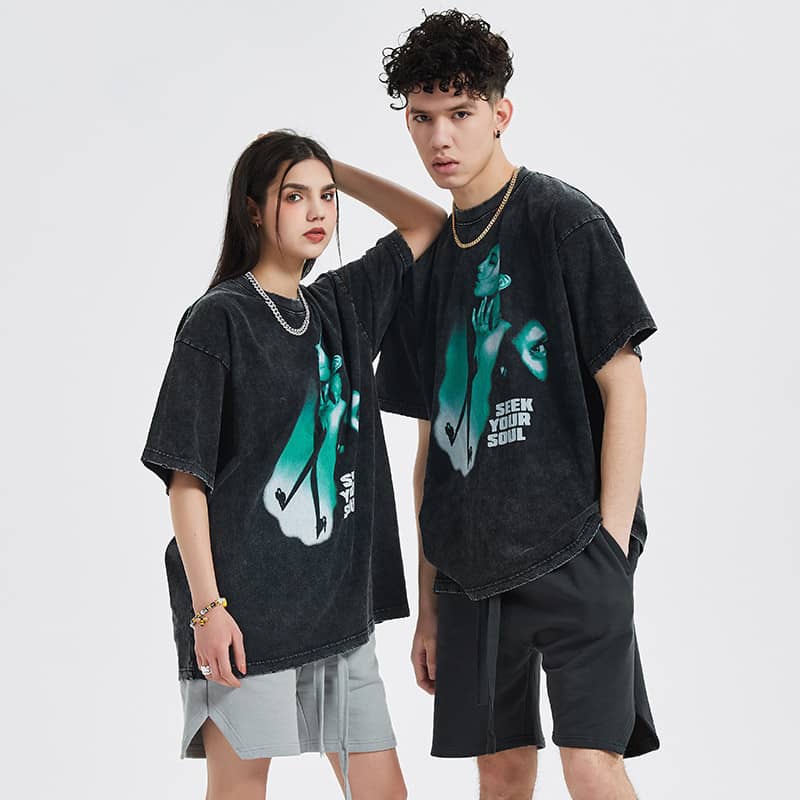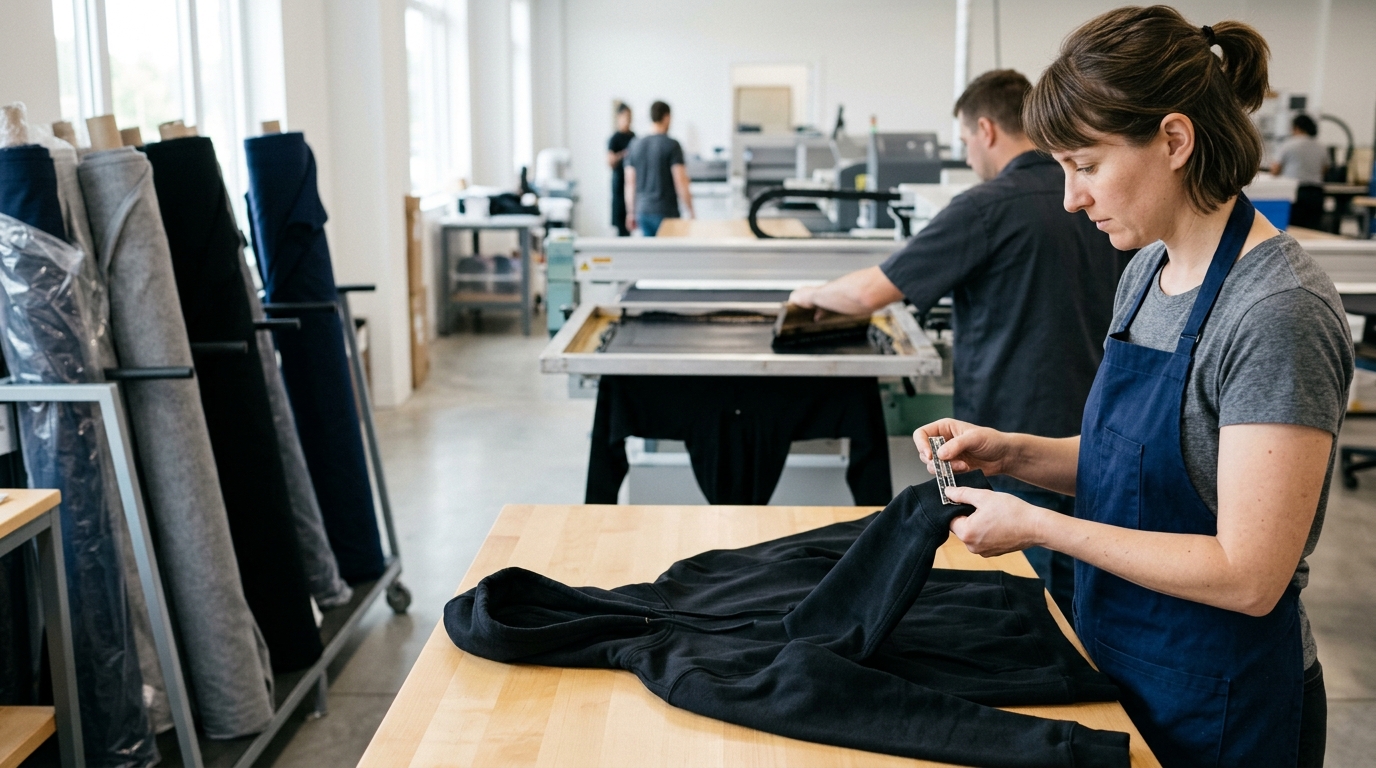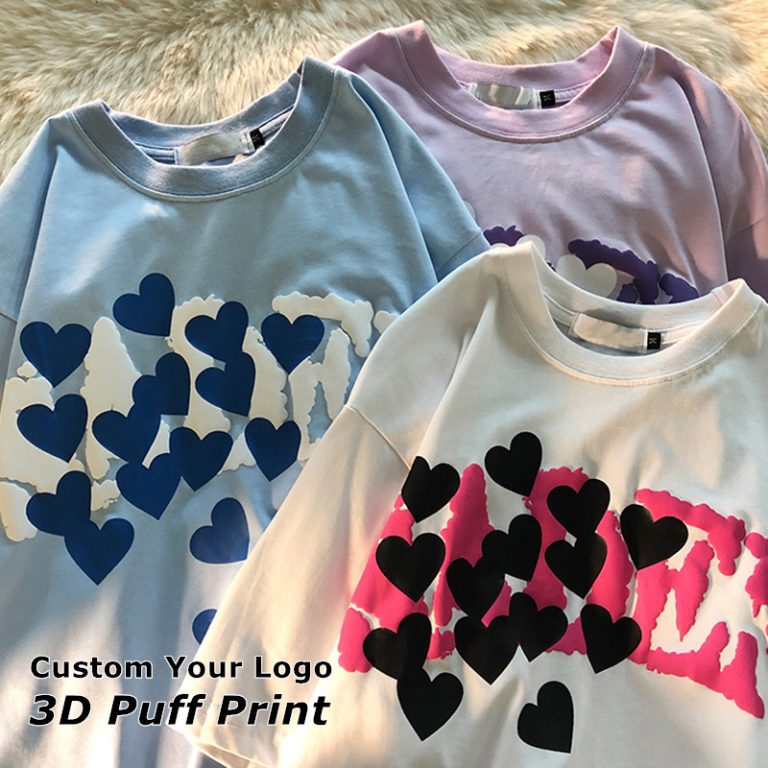
Do you want to present a truly unique gift? You might also need a personalized t-shirt for a family gathering? Putting your favorite photo on something to wear is one of the best ideas that adds a personal touch. It may look difficult but it is actually simple.
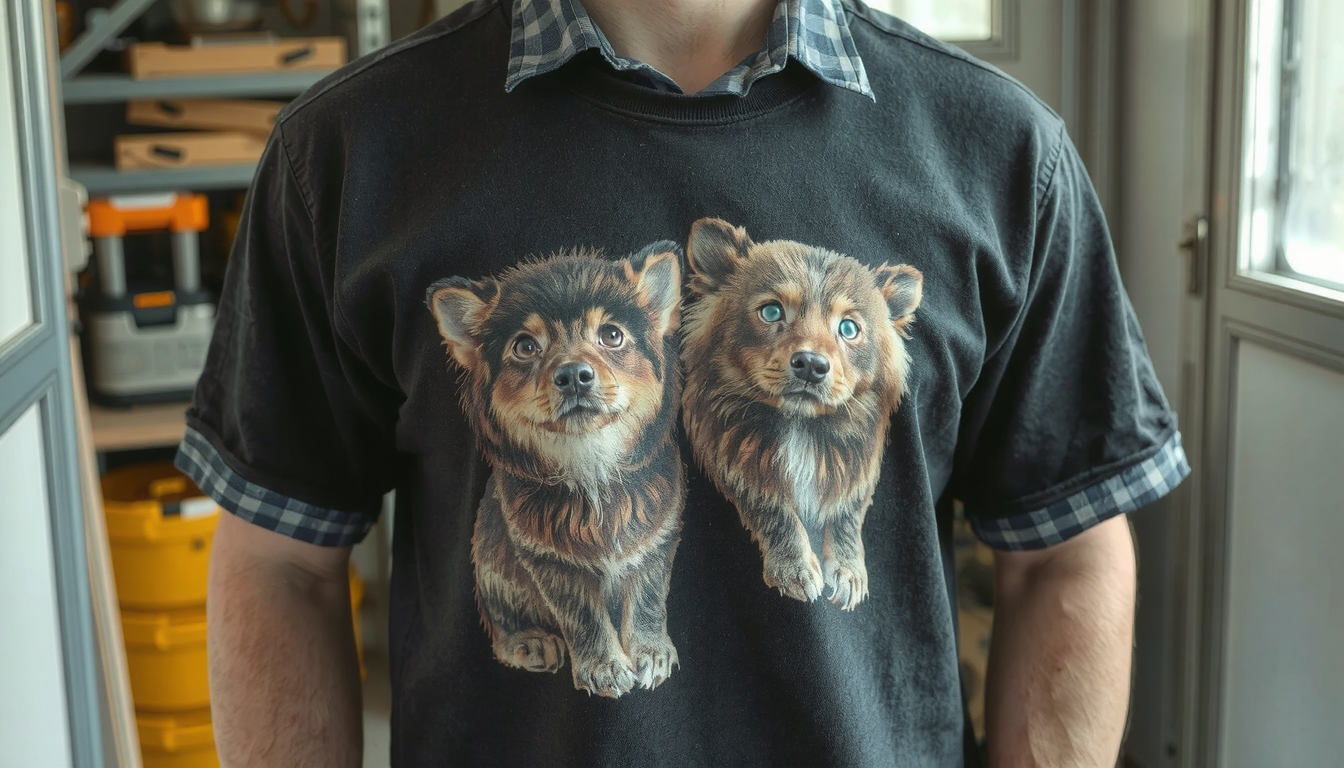
You can do it in several methods. It can be something you do at home with little effort and equipment. Or you can send it to a professional company that will do a great job. This guide will give you every detail on how to do this. You will learn all the steps from selecting the right photo to the washing of your new customized shirt.
Finding an online platform like TZ Streetwear is a good choice for people who want high-quality, pre-made custom choices.
Preparing Your Photo Before Printing
A quality photo is needed for a good print. Even before you decide on the type of fabric, make sure you get your image ready. You should prioritize this step as it can keep blurriness or faded colors at bay. Taking a few moments to do this will definitely be worth it.
Resolution is King: Avoiding a Blurry Mess
The resolution of your photo directly affects the sharpness of the print. Resolution is calculated in DPI, or dots per inch. It is like the number of ink dots that a printer spray in one square inch of fabric. The more dots are added, the clearer and sharper a picture appears.
To get good quality prints on your shirts, strive for at least 300 DPI at the size you want to print. Printing a small resolution picture too large will make it look blocky and blurred.
How to verify your photo’s resolution:
* On Windows: Right-click on the image file. Select “Properties,” then click on the “Details” tab. Check for the dimensions and resolution information.
* On Mac: Open the image in the “Preview” app. At the top menu, go to “Tools.” Choose “Show Inspector.” You will see the DPI listed as “Image DPI.”
Contrast and Color: Making Your Photo Pop
A photograph that looks wonderful on your computer screen may appear dull on fabric. The reason is that fabric absorbs the light instead of transmitting it like the screen does. You may need to adjust your photo somewhat in order to solve this.
A simple way is to just raise the contrast and saturation a bit. This makes the dark parts even darker and the bright parts even brighter. It will help the image to be obvious on the shirt. Moreover, the screen works with RGB colors (Red, Green, Blue). Most printers work with CMYK colors (Cyan, Magenta, Yellow, Black). A paper printer will do this for you automatically.
To Crop or Not to Crop: Composition
Place your focus on what part of the photo is the most important. You can draw the viewer’s attention to the main subject by cropping the image. You can do this, for instance, with someone’s photo by excluding the busy background.
The best thing to do sometimes, of course, is to get rid of the background altogether. This gives you a real clean look which is just the subject printing on the shirt. There are lots of web apps and mobile applications that offer this free service to you with a few clicks.
Choosing the Right File Format
The file type you save your photo as is very important. Each format is meant for a different purpose.
- PNG: This is good if you have removed the background. PNG files support transparency. Therefore, your subject will only be printed without a white box around it.
- JPG: This is a generalized file-type. It is practical for normal rectangular photos. Take care. Saving a JPG many times can decrease its clarity.
- TIFF: This type of file can be the best way for the highest quality with no information loss. However, the files can be extremely large. Nonetheless, professionals’ printers frequently choose them for perfect outputs.
DIY vs. Professional Printing: Choosing Your Path
Should you print your photo at home or order it from a company? Your answer depends on your budget and also the number of shirts you need and the quality you want. A quick comparison will assist you to pick the best way to print a photo on clothing for your project.
Comparison Table: At-Home vs. Professional Services
| Feature | DIY (Iron-On Transfer) | Professional Service (DTG) |
|---|---|---|
| Cost per item | Low ($5-$10) | Medium ($15-$30+) |
| Quality & Detail | Good | Excellent |
| Durability | Fair (can crack over time) | Very Good (soft & long-lasting) |
| Equipment Needed | Home printer, iron, paper | None |
| Best For… | One-off projects, gifts, crafts | High-quality gifts, small business, detailed photos |
The DIY Method: How to Print at Home
The easiest way to print a photo on clothes is by using iron-on transfer paper. It is cheap to make and very user-friendly. You can also achieve fantastic outcomes with just some care.
Step 1: Gather Your Supplies
First and foremost, you need to gather all your materials.
- An inkjet printer (most standard home printers work)
- A good quality t-shirt (100% cotton or a cotton blend works best)
- Iron-on transfer paper (make sure to get the right kind: one for light fabrics or one for dark fabrics)
- A household iron (do not use the steam function)
- A sheet of parchment paper (often included with the transfer paper)
- Scissors
Step 2: Prepare and Print Your Image
You can start by making your photo ready as per the tips above. Now for the most important part of this step.
Before printing, you should mirror or flip the image horizontally. You can find this option in your computer print settings such as a “mirror image” or “flip horizontal” checkbox. If you miss this step, then any text or logos on the shirt will be backward. This is the most common mistake beginners make.
Print the mirrored image on the shiny side of the transfer paper.
Step 3: The Transfer Process
- Pre-heat your iron to the setting the transfer paper instructions recommend. Make sure the steam setting is turned OFF.
- Place your t-shirt on a hard, flat surface that can handle heat. Like a wooden table (not an ironing board, which is too soft). Iron the shirt first to remove all wrinkles.
- Carefully cut out your printed design leaving a small border if you like.
- Place the transfer paper image-side down onto the shirt.
- Press the hot iron firmly onto the paper and move the iron in circles. Apply even pressure to the entire design for the time given in the instructions (usually 1-3 minutes). Check the edges extra closely.
Step 4: Peeling and Curing
This is the final, exciting step. Some transfer papers are “hot-peel” and some are “cold-peel.” Read your instructions carefully. For hot-peel, you will peel the backing paper off while it is still warm. For cold-peel, you must wait until it has cooled down completely.
Peel the backing paper gently. You can even cover the image with parchment paper to help it set. After that, you can quickly iron over it for a few seconds. For more tips, check out this guide on professional and DIY methods for t-shirt printing.
A Guide to Professional Photo Printing
If you want the top quality, durability, and feel then professional printing is the way to go. These methods use specialized equipment to achieve remarkable results.
Direct-to-Garment (DTG): The Gold Standard
DTG printing operates the same as an inkjet printer for your desk but it prints directly onto fabric. A specialized machine sprays water-based ink directly into the cotton fibers of the shirt.
- Pros: It can print millions of colors. So it is the best choice for detailed photos. The ink sinks into the fabric. That’s why the print feels super soft and breathes very well.
- Cons: It is most effective with 100% cotton. On dark shirts, a white layer of ink is required to be printed first. This can raise the cost.
- Best for: A single t-shirt or a small batch with full-color, complex photos.
Dye-Sublimation: For Vibrant, All-Over Prints
With dye-sublimation, exclusive ink is printed onto transfer paper. Later, heat and pressure change the ink to gas. This gas than fuses directly into the fibers of the fabric. It becomes a permanent part of the fabric.
- Pros: The print is extremely durable. It will not crack, peel, or fade. The design has no texture and is completely breathable.
- Cons: It however works only with polyester fabrics or items that come with a special poly-coating. It only works on light-colored garments.
- Best for: Sportswear, activewear, and all-over photo prints on polyester hoodies and shirts.
Heat Transfer Vinyl (HTV) & DTF
Other industrial options include Heat Transfer Vinyl (HTV) and Direct-to-Film (DTF). HTV is a method where a design is cut from a sheet of colored vinyl fed. Then it’s pressed onto a shirt. On the other hand, DTF is a new process where a design is printed on a special film. Then it is transgferred onto the garment. Both give great results on numerous materials. If you want to learn more, checkout the “which method of printing is best for clothes” resource.
A great alternative for people that would like to print photographs on thicker garments like hoodies is working with a custom hoodie manufacturer who specializes in such methods as DTG or sublimation.
Making It Last: How to Care for Your Clothing
You have done every step correctly to print a photo on clothing. Now you want it to last! You must take care of it properly. This is even more required for DIY iron-on transfers.
The Golden Rules of Washing
- Flip the garment inside out before washing. This protects the print from rubbing against other clothes.
- Use cold water for washing on a gentle cycle. Hot water can fade or crack the print.
- Use a mild laundry detergent. Do not use bleach or any softeners.
Drying and Ironing Without Damage
- It is best to hang the garment on air to dry.
- You can use a dryer, but it should be set on the lowest heat setting.
- Do not iron right onto the printed photo. If you iron the shirt, then turn it inside out first.
Troubleshooting Common Issues
If you have noticed your DIY iron-on transfer starting to peel at the edges, you may be able to remedy it. Just place the parchment paper over the design. Press it with the hot iron for 10-15 seconds. This sometimes helps in glueing it back.
From Hobby to Hustle: Scaling Your Project
Once you succeed in figuring out how to print a photo on clothing, think about starting a small business doing it. The transition from making one gift to a small collection is a fun adventure.
You must also think about finding partners you can trust to deliver the shirts and printing materials and also decide on your brand image. The best thing about it is that it exists from a hobby to a side hustle and this journey is enjoyable.
If you are looking for ways to convert your creative ideas into a real clothing line our guide on how to start a brand would be the next step you need.
Frequently Asked Questions (FAQ)
What is the most durable way to print a photo on a shirt?
For professional results, the dye-sublimation process on polyester fabric is the most durable method. The ink will actually embed in the fabric itself. There will be no fading or cracking of it. For cotton shirts, a high-quality Direct-to-Garment (DTG) print is also very durable if treated right.
Can I print a photo on a black or dark-colored shirt?
Yes, however, it has to be done in a specific way. You have to buy “iron-on transfer paper for dark fabrics” in a DIY project. It works with a white, opaque background. For professional printing, DTG machines print a white ink base layer first. This will make the colors in your photo look bright and vibrant on the dark shirt.
Do I need a printer specifically made for printing on transfer paper?
No, you need not buy a special printer. The standard home inkjet printer works with most iron on transfer paper. The only thing you will need to do is purchase the special transfer paper, not a new printer.
How much does it cost to get a single photo t-shirt printed?
The price may differ as per various factors. Normally, for a single custom shirt order, you would need to pay about $15-$30 from a web-based service like Custom Ink.
Will the photo feel stiff or crack on the clothing?
This depends on the printing method. DIY iron-on transfers create a thin layer on top of the fabric. This can feel slightly stiff and may crack after many washes. Professional DTG prints are much softer because the ink soaks into the fabric. Dye-sublimation prints have no feel at all. The ink is fused into the material.