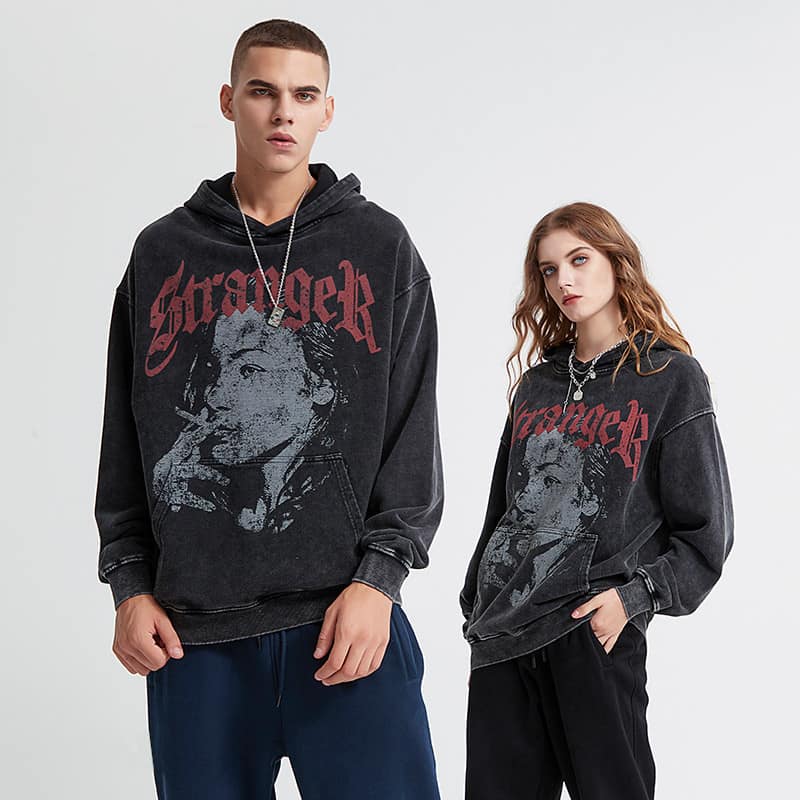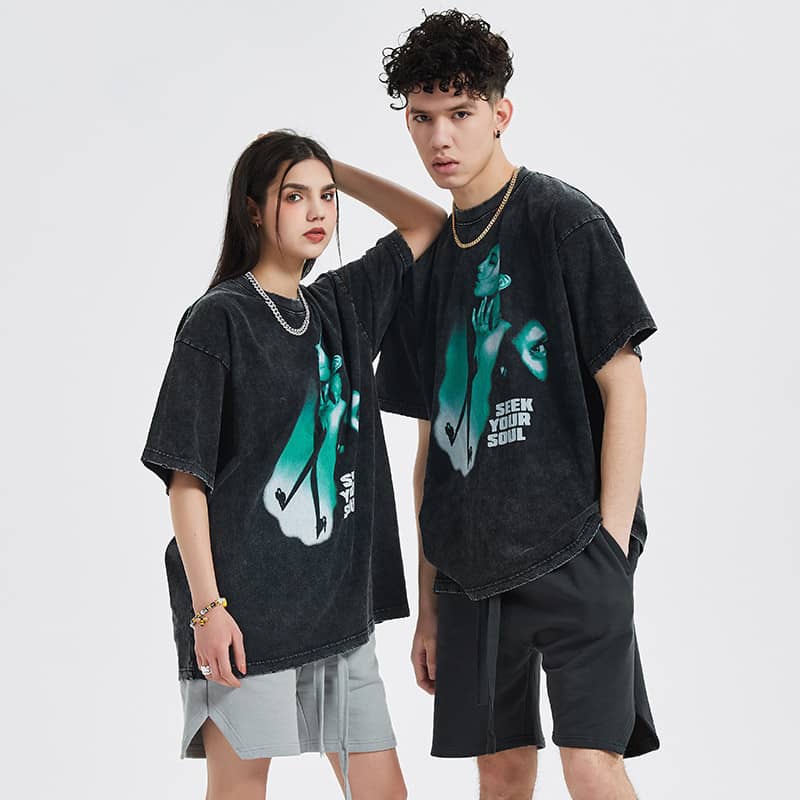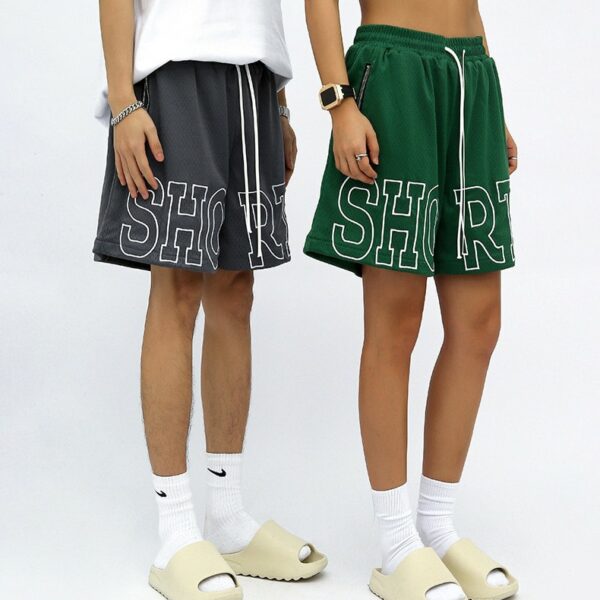
Branch out from your creativity and create a masterpiece with a custom hoodie. Have you thought of a unique design but feel overwhelmed? You might think that turning your imagination into reality is something you can’t do. But it is now doable. This manual is your first step toward progress. We will guide you in picking the best hoodie design maker through our professional assistance. Apart from that, we will also share with you the design stages. Moreover, we will help you to transform that design into a wearable item. The best of it is that you do not need any former design skills.
Which Design Maker Is Right for You?
The first thing to do is to select the right one. Your goals will assist you in identifying the appropriate hoodie design maker. Let’s explore three significant routes that you can take. This will make it easier for you to locate the perfect tool for your project.
| Tool Pathway | Who It’s For | Good Things (Pros) | Bad Things (Cons) |
|---|---|---|---|
| All-in-One Platforms | Individuals who make a single hoodie, gifts, or small businesses. | Very simple to operate. The company manages design, printing, and shipping for you. | You have limited creative freedom. That company is the only one whose products you can use. |
| Online Design Tools | Individuals interested in a design file which they can use with any printer. | Various design options and templates. You keep the final design file. | You need to find a printer on your own to make the hoodie. |
| Professional Software | Brand owners and professional designers. | You have the ability to create as you wish. The files are up to industry standards. | It is tough to use. You usually have to pay for it every month. |
A Closer Look at the Best Tools
Now you have an understanding of the types of tools available. Next, we will check out some specific options. It is not easy to find the right online hoodie designer. But we have selected some of the best for you. The variety of available options is high. Some platforms provide exhaustive evaluations of various software for custom hoodie manufacturing.
Top All-in-One Platforms
These platforms deal with everything, from design to delivery. They are perfect for beginners.
Printful is a top pick in this section. It lets you upload your design to a hoodie. Then, it takes care of printing and shipping when someone orders it. This feature makes it preferred for selling custom hoodies online.
Leading Online Design Tools
These are tools that provide one more creative way for you. You create design files. Then you take it to the printer of your choice.
Canva is the go-to app for being easy to understand. It has a vast collection of templates and graphics. These resources assist you in getting a fast start. Pacdora can also be another good pick. It is particularly perfect for visualizing your design on a realistic model. It is one of the tools that allow you to see 3D projections of your work in real time.
Professional Software Recommendations
Want to build a serious brand? You need professional high-quality software.
Adobe Illustrator is the tool of choice for most professionals. It lets you create vector graphics that can be expanded or scaled without losing quality. Affinity Designer is another great choice, as it is available for a one-time payment. Although these apps have some sort of learning curve, they give you infinite opportunities.
From Blank Canvas to Bold Design
Walk along the road to making a design of your own. The majority of the online hoodie design maker tools follow a similar process. We will be there to show you how simple it can be.
Step 1: Choose Your Hoodie Base
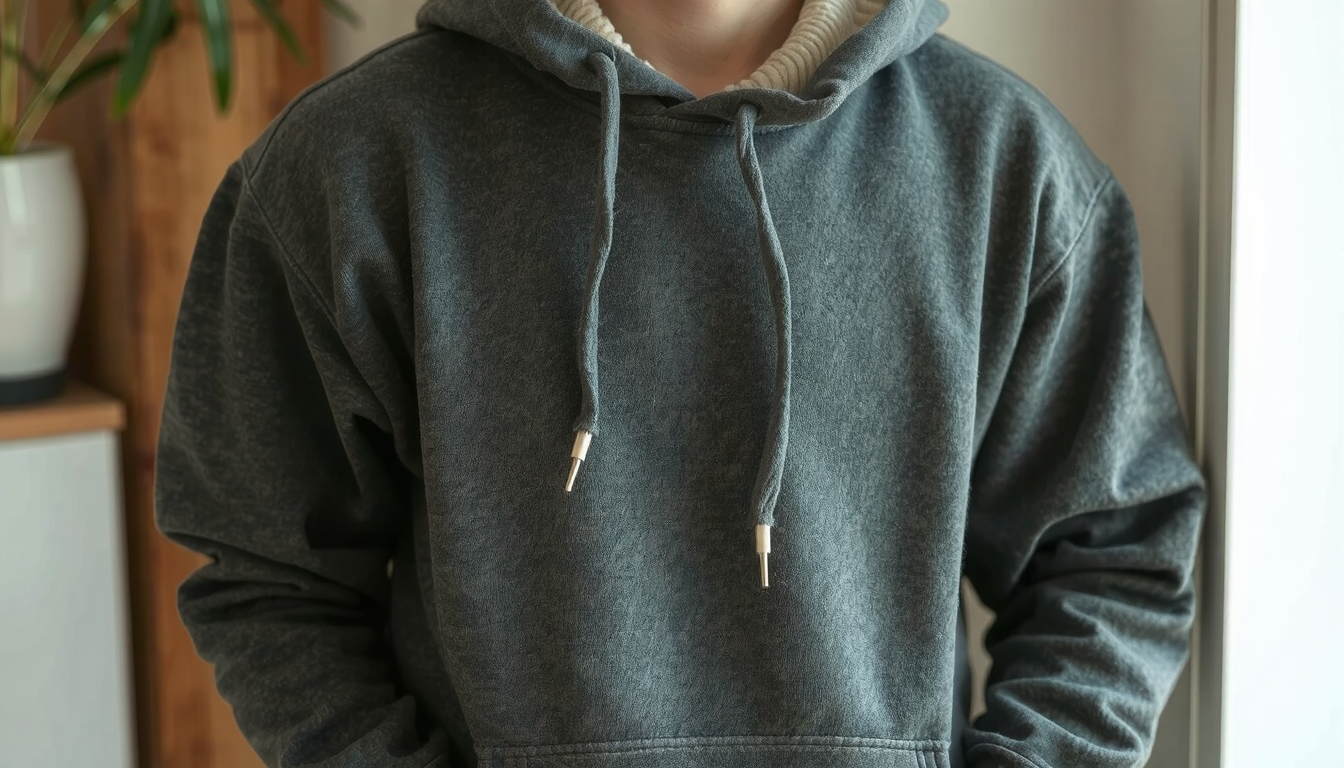
First, select the hoodie you wish to design on. Consider the style. Would you like a pullover or a zip-up? Next, choose the color that will grab the attention of all your art. And do not forget about the fabric. Cotton or a blend will definitely provide comfort.
Step 2: Define Your Design Area
After that, determine where your design will be placed. The majority of the tools allow you to put your art on the front, back, and sleeves, thus giving you a lot of options. Some even allow a small design on the chest. Decide on the place that would be most suitable for your design. Where will it get the most attention?
Step 3: Add Your Core Elements
This stage is the most entertaining one. You can upload your own creation. For instance, you might have a logo, or a drawing which you already own. Or the hoodie design maker can give you access to a library. These libraries, in general, feature icons, shapes, and text tools. Whenever you add text, select a font that is easy to read. Ensure that your colors are in good contrast. This makes the design stand out.
Step 4: Review and Refine
Almost each and every design instrument has a function for previewing what the design is going to be like. Use it! It is the one that shows you how the design will actually look on the completed hoodie. Make sure you check spellings. Verify that everything is aligned and set right. This is the last chance you have to make any alterations before you complete it!
Step 5: Save or Export Your Design
When you are satisfied with the product, it now becomes the time to save it. If you are using an all-in-one platform, you will save it on your account and order the product. If you use a separate design tool, you will export the design as a file to your computer.
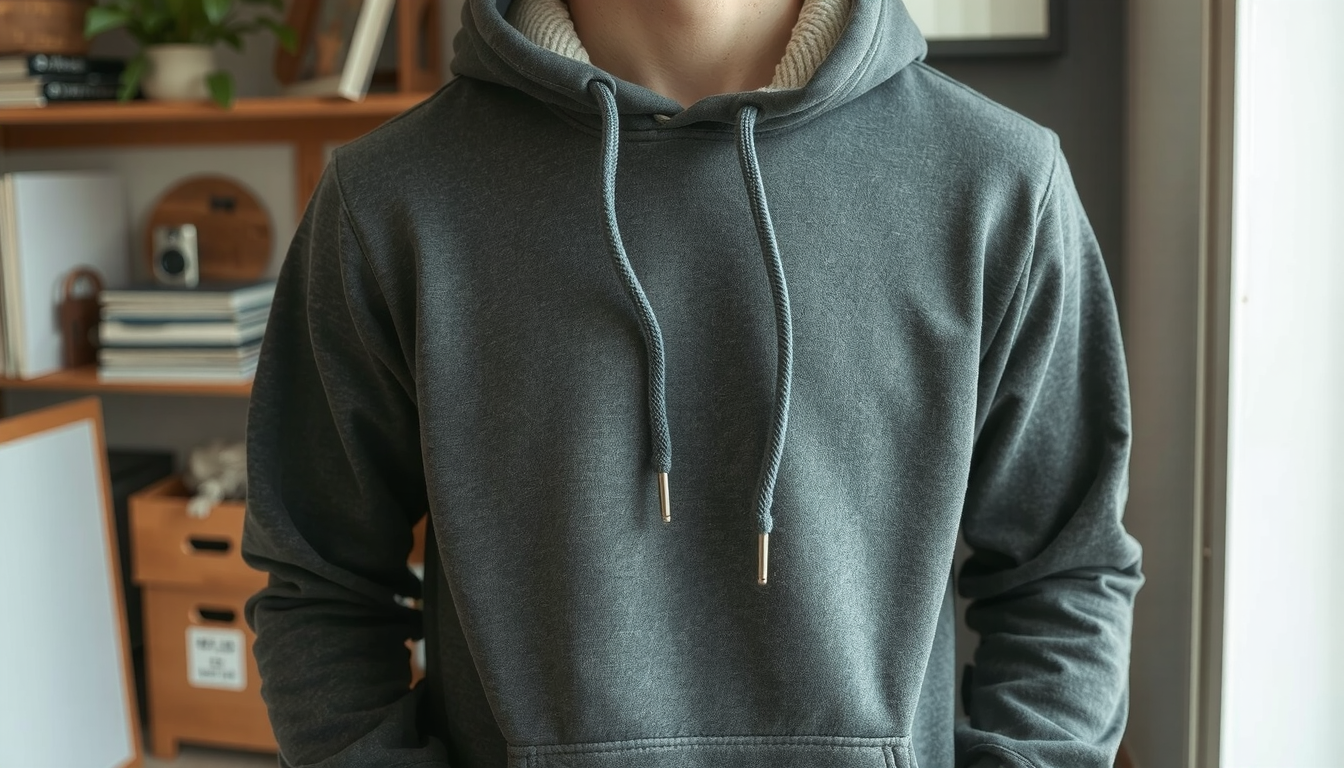
Turning Your File into a Hoodie
It is cool to have a design file. But how do you get it on a hoodie? This section connects your software design with a tangible product. This is a crucial step where a good custom hoodie maker can help you a lot.
Understanding File Formats and Quality
File types are important for printing. Raster files such as PNG or JPEG are made of pixels. Vector files such as AI or SVG use mathematics. Vector is the best because it can be adjusted to any size. Regardless of which type you choose, your file should be of high quality. The general standard for a pristine print is 300 DPI, which means 300 dots per inch.
Choosing a Printing Method
There are multiple ways to print a hoodie, each with its own advantages.
- Direct-to-Garment (DTG): This operates like a fabric printer but in a manner similar to that of a paper printer. It is ideal for drawings with colors and fine details or when needing to print in small orders.
- Screen Printing: This method consists of applying one color at a time to a stencil that is made for it. It is great for simple designs with a few colors. The printing cost goes down significantly with a larger order.
- Embroidery: This process utilizes thread to sew in your design. It will have a more luxurious finish and a textured feel. It is excellent for logos and text.
Finding the Right Partner
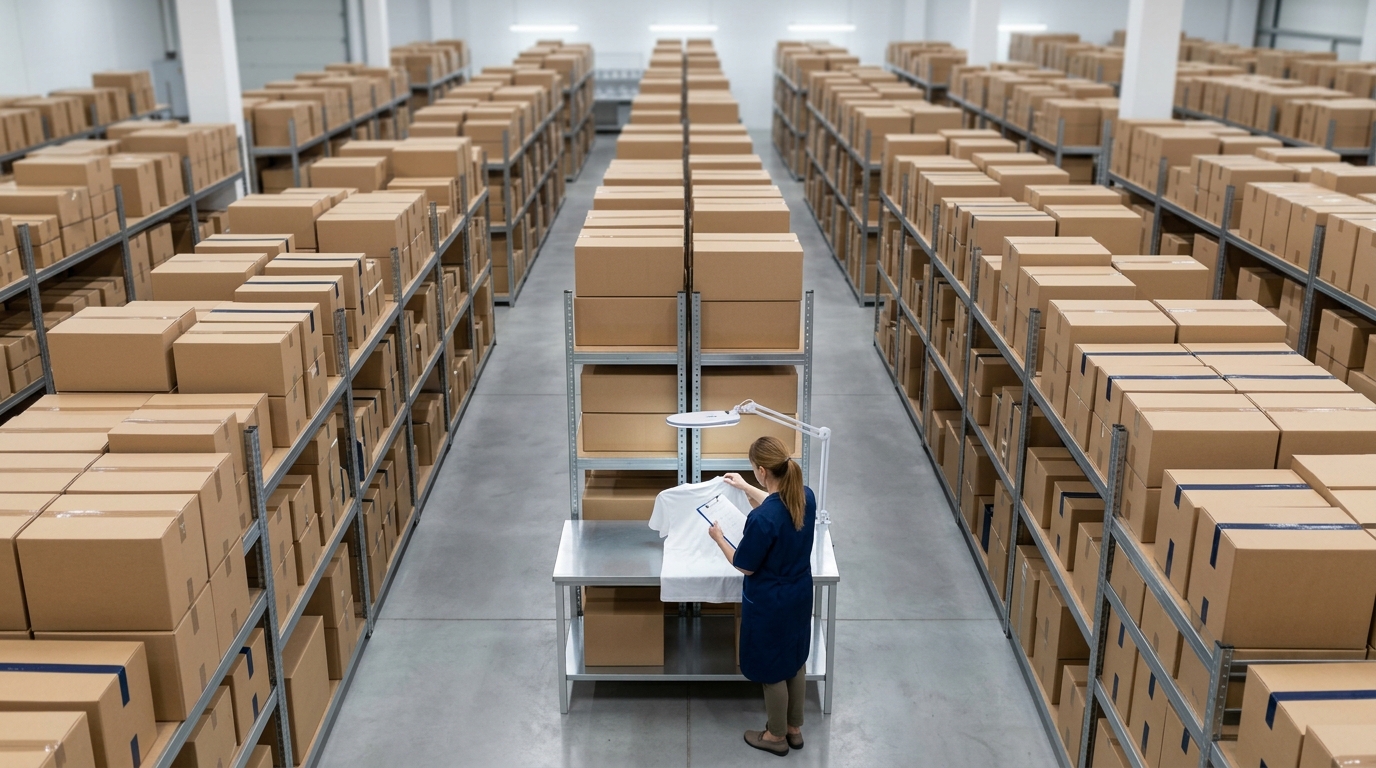
Are you planning to create a batch of hoodies for a brand, team, or event? You can partner with a custom hoodie manufacturer which will guarantee stability in quality and the same standard. Companies like TZ Streetwear work specifically on getting your designs to look just like professional uniforms. Should you need any plans, the same guidelines apply to T-shirt manufacturers as well. A good partner can suggest materials. They can make sure the printing of your design is perfect.
FAQ: Your Hoodie Design Questions
Check out these responses to popular questions about the use of design maker for a hoodie.
Can I create a hoodie design for free?
No problem. There are several online tools like Canva that offer free plans. The designers on the sites like Printful also do that. These tools are great for creating their built-in fonts and graphics. You are charged when you buy the actual hoodie or when you use special graphic elements typically.
What file format is best for a hoodie design?
Most online printers prefer a PNG file with a high resolution of 300 DPI having a transparent background. For professional printers, manufacturers prefer vector type files such as .ai or .svg. These files can also be resized without reducing any quality.
Do I need to be an artist to use a hoodie design maker?
No way. Most modern tools for making hoodies are designed for people with no experience in design. They usually offer templates, graphic libraries, and simple text editors. You can make a combination of these elements. This looks creative and amazing.
How do I ensure the colors will match the printed hoodie?
This can be a challenge. Your screen shows colors in RGB. That means Red, Green, Blue. But printers use CMYK. That means Cyan, Magenta, Yellow, Black. The colors can look a little different. The best way to be sure is to order one sample hoodie first. This lets you see the final product before you order a large batch.
What’s the difference between a design maker and a mockup generator?
A hoodie design maker is a tool you use to create the artwork for your hoodie. A mockup generator is a tool you use to see what your finished design looks like on a photo of a hoodie. Many design makers now include a mockup generator as the final step.
Your Design Journey Starts Now
We have covered a lot. From understanding your needs to choosing a tool and getting your hoodie made. With the right hoodie design maker and a little knowledge, anyone can create amazing custom clothing.
It is your turn now. Select a tool. Let your ideas become reality. Create a piece that supports your thoughts.